Navigate to the point in the text where you want the link;
highlight the text to be linked
right click / click on "Create Link using ..." / type image.gif
/ Apply
or, "Choose File" and navigate the file name
Go to the link below, copy the image in Essay Question #1 into your folder, and create a new link to the image on the line below:
Essay Question #1 (new practice link)
An image will look better when placed in a separate webpage. This makes it much easier to work with, for example to re-size it and add a figure legend. An example of an image arranged this way is here
File / New > Blank Page
creates a new, empty webpage
Insert / Image / type image.gif / Apply
inserts an image into the webpage
right-click
on "Image Properties"
In Image, you can resize the image, which is essential when the original is very large. Most projection computers use either a 400 x 600 or 600 x 800 pixel display, so set the maximum dimension of your image to no more than can be displayed on a single screen. In Paragraph, you can Center the image in the page. Finally, you can add text to the figure: Image will give you a variety of ways to wrap the text around the figure. The default places it at the bottom.
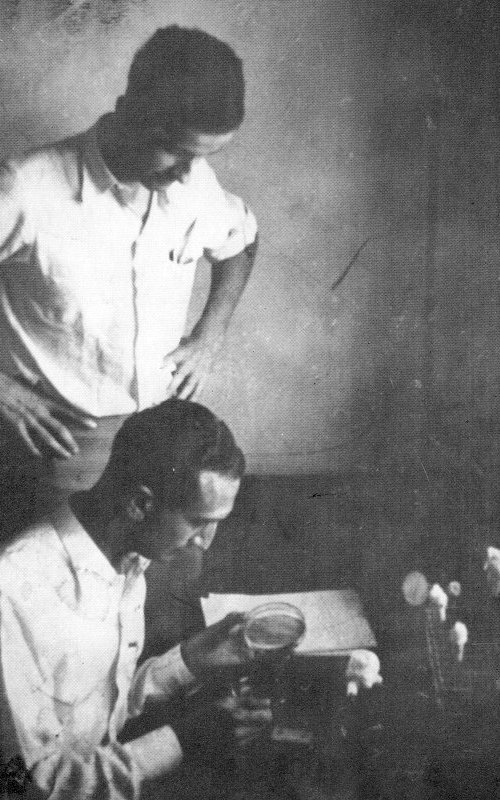
Save the "Untitled.htm" and the embedded Delbruck_&_Luria_1941.jpg file above to your disk: practice resizing, centering, and text captioning.]
(3) Regulation of Gene Expression (Chaps 18 & 19)